Choose the right platform and harness
Match the agent scenario to the right authoring surface, runtime harness, level of control, integration model and operating environment.
Hands-on training for teams choosing the right platform and harness, then designing, building, evaluating and governing enterprise agents across Microsoft Foundry and Copilot Studio.
Match the agent scenario to the right authoring surface, runtime harness, level of control, integration model and operating environment.
Design instructions, knowledge and retrieval around a defined business task instead of building a generic conversational layer.
Add tools, workflows and enterprise systems with explicit identity, permissions, failure handling and human oversight.
Use traces, test sets, evaluations and monitoring to move from a promising prototype to an agent the organisation can operate.
The workshop connects the platforms without pretending they are interchangeable. Teams learn to choose from the scenario outward.
For teams that need Azure-based control over models, prompt or hosted agents, application code, deployment and observability.
For teams extending Microsoft 365 or business processes through managed authoring, knowledge, tools, workflows and channels.
Understand the full agent lifecycle and where code, Azure services and deeper integration belong.
Build focused agents and workflows while recognising the identity, data and governance decisions behind them.
Set practical boundaries for environments, access, publishing, monitoring and organisational ownership.
The final agenda is scoped around the platforms, environments and agent scenarios your organisation intends to use.
Start with the business task, users and operational boundary before selecting a platform or runtime.
Build an Azure-based agent path with the right project, model and development surface.
Create a focused agent on the harness that fits how the work should be done.
Connect enterprise context and tools without losing control of access or behaviour.
Create evidence that an agent is useful, traceable and ready for its intended audience.
Move from workshop build to a governed release and improvement cycle.
Every engagement starts with the scenario, participant roles and environment constraints. That determines the platform depth, labs and governance decisions, not a fixed feature checklist.
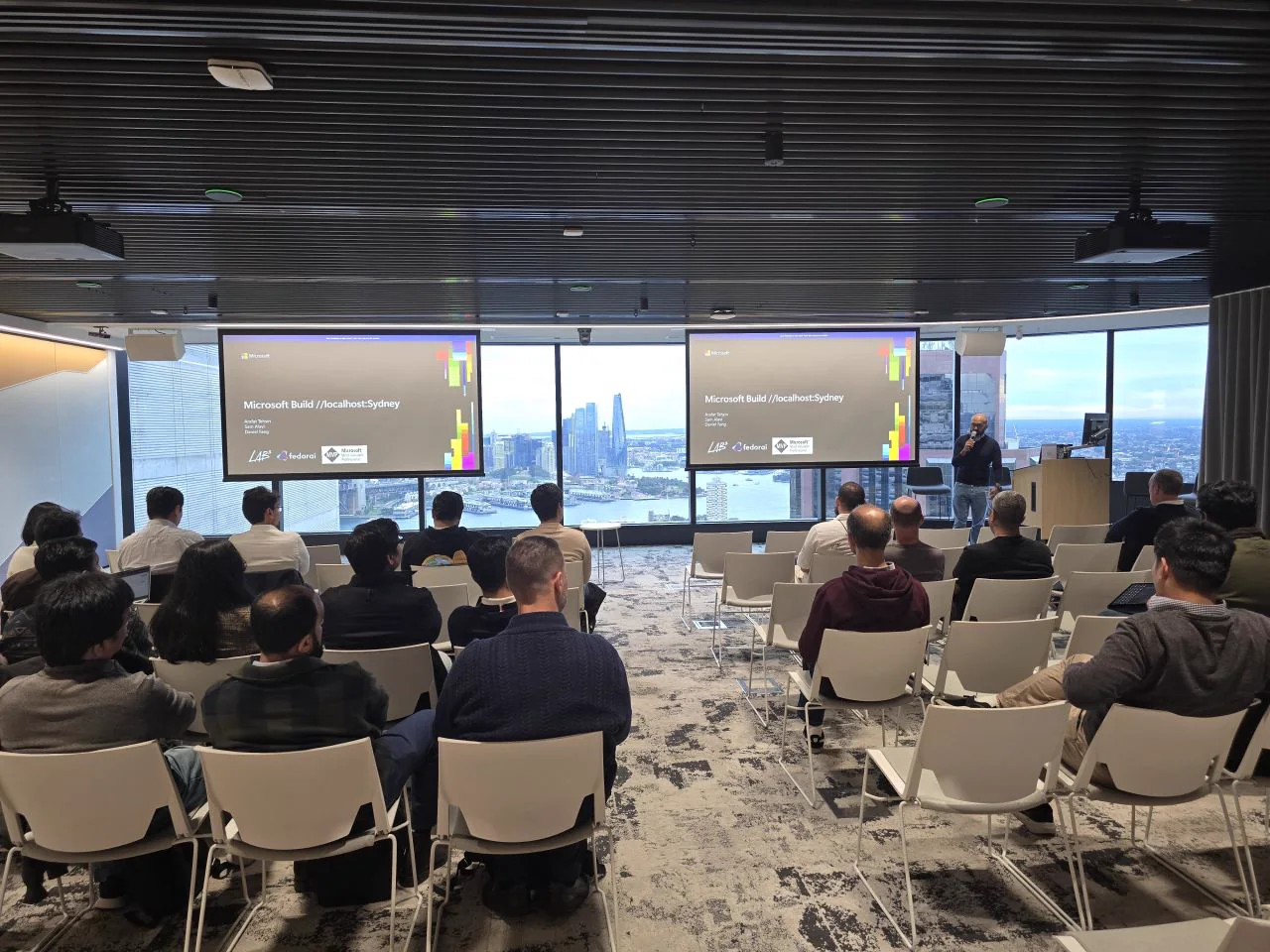
Fedorai founder Arafat Tehsin is a Microsoft MVP in AI, applied AI leader, solution architect and international speaker. The programme combines technical platform depth with the decisions teams face when agents move into real organisations.
About Arafat and FedoraiThe focused programme typically runs for two to three days. The final duration depends on the selected platform depth, participant roles, environment readiness and the amount of hands-on build time required.
Yes, when that supports the team's goals. The programme can connect Microsoft Foundry and Copilot Studio through one agent lifecycle, or go deeper on one platform when the organisation has already chosen its primary build path.
Yes. The curriculum can compare the GitHub Copilot harness for reasoning-heavy multistep work, the standard harness for structured and rule-based experiences, and the Copilot chat harness for extending Microsoft 365 Copilot Chat with enterprise knowledge.
No. A core part of the training is learning when each surface fits. The right choice depends on the scenario, target users, required integrations, engineering control, existing Microsoft estate and governance model.
Yes. The Copilot chat harness for extending Microsoft 365 Copilot Chat can be included where it fits the intended users, enterprise knowledge, licensing and distribution model.
Private team engagements can adapt the exercises to your scenario and environment where access, licensing, data protection, confidentiality and workshop setup permit. We confirm those constraints before finalising the agenda.
No. The programme is designed around practical platform decisions, hands-on building and enterprise delivery rather than preparation for a certification exam.